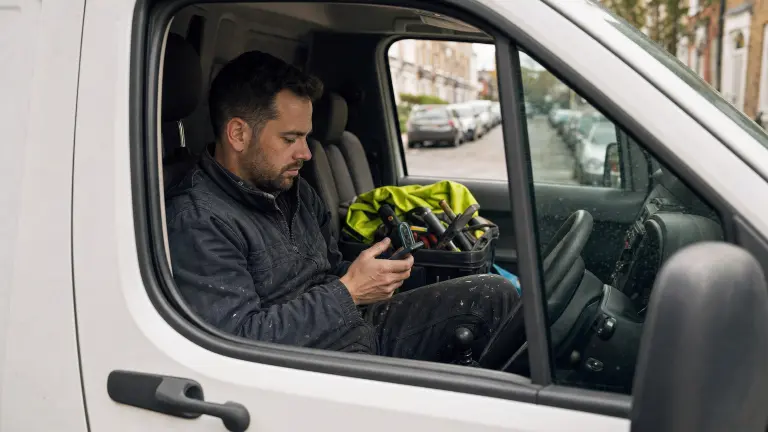
If you want to WhatsApp message subcontractors instead of waiting for them to answer an email, you've got the right idea. Most trades check WhatsApp between jobs and leave email unread for days. So send the job where they already look, keep the brief short enough to read in the van, and keep the decisions with you. Here's how I do it in Plan@Job, in the order you'd actually do it.
Quick definition first. In Plan@Job an operator is the contractor business in the middle. You manage the clients, the delivery, the subbies and your in-house operatives. If that's you, this is written for you.
Why your emails get ignored
It's not that subbies are lazy. Their office is the van and their inbox is their phone. Email looks like invoices, chasers and spam. WhatsApp looks like work.
When I ran a property maintenance company in London for housing associations and letting agents, nearly every sub in the network ran their business off their phone. The good ones were busy, and busy people answer whatever's easiest to answer. That's the whole game.
Here's the part people hate hearing: changing the channel doesn't fix a bad brief. A vague job on WhatsApp gets ignored just as fast as a vague email. Maybe faster.
Step 1: Get the job brief right before anyone sees it
Do this first, every time.
- Open Jobs and click into the job you need covered.
- Check the address, the access arrangements, the scope of work and the dates you can offer.
- Add photos if you have them. A sub can price a photo faster than a paragraph.
- Take out anything internal. Your margin, the client's budget and your notes about the client stay off the brief.
If the job came in light on detail, Sophie Bennett, our AI Enquiries Coordinator, checks existing job briefs for missing information and asks for clarification. She tries twice, then hands it back to a person. She doesn't make up the missing bits, and she doesn't turn every email in your inbox into a job. You still read the brief before it goes out.
My test is simple. Could a sub read it while stopped at traffic lights and know whether they want it? If not, rewrite it.
Step 2: Find the right subbies in the Directory
Now decide who gets it.
- Go to Subcontractors and open the Directory.
- Search for the trade the job needs.
- Check the results. The Directory ranks by trade first, then by distance from the job.
- Build a shortlist. A handful of good names beats twenty random ones.
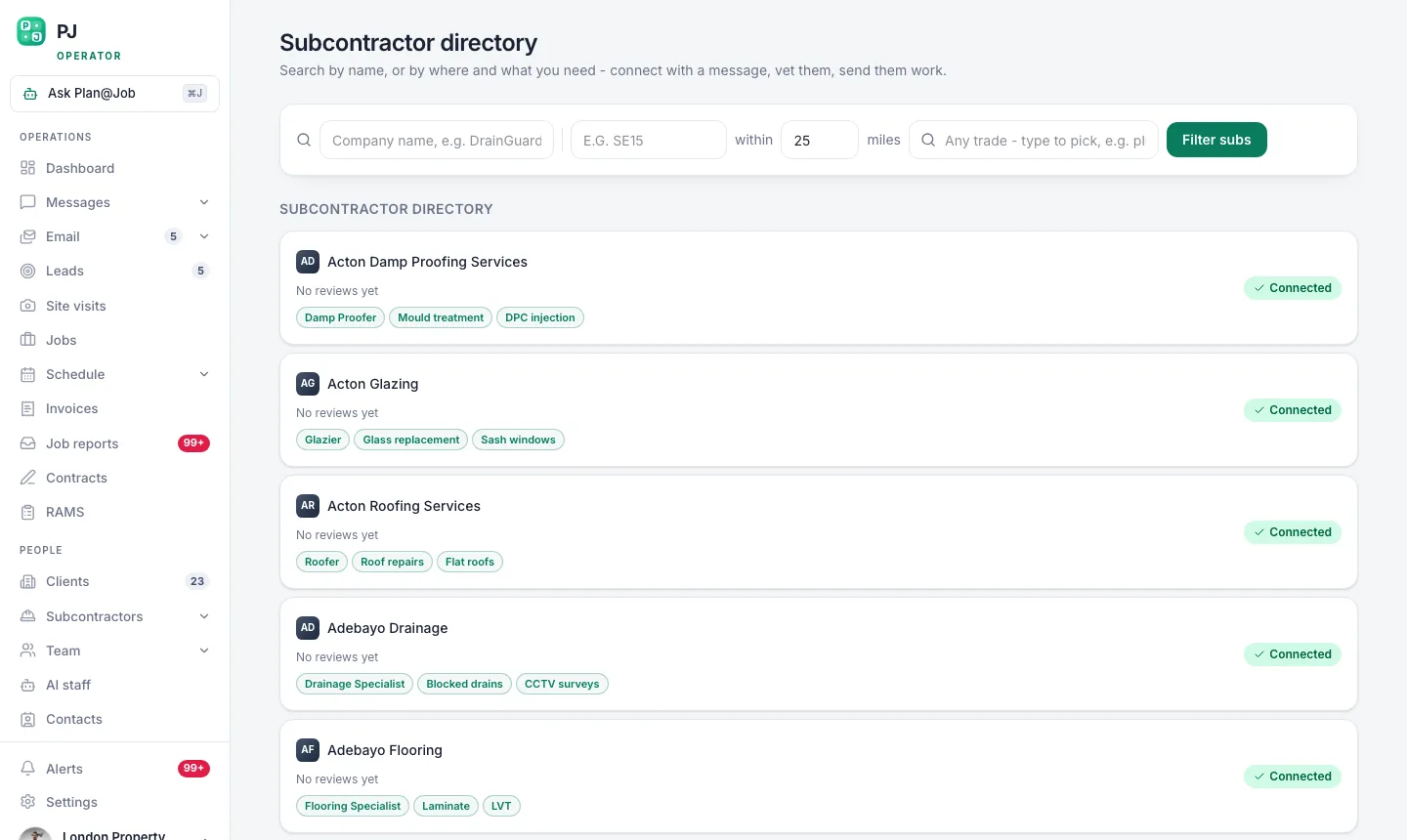 The subcontractor directory ranks by trade first, then by how close they are to the job.
Who goes on the list is your call. The platform does the ranking. It doesn't know who turned up late last time, who leaves a site clean or who your client trusts. You do, so use it.
One thing to be clear on. In supported workflows, a subcontractor can price before they're fully vetted. That helps when you're covering a new area. But giving a price isn't the same as getting the job. Your checks and approval happen before you award the work, not after.
Step 3: Send the job on WhatsApp
- From the job, open the WhatsApp blast screen.
- Pick the subbies from your shortlist.
- Read the message preview. This is exactly what lands on their phone, so make sure it reads right.
- Send it.
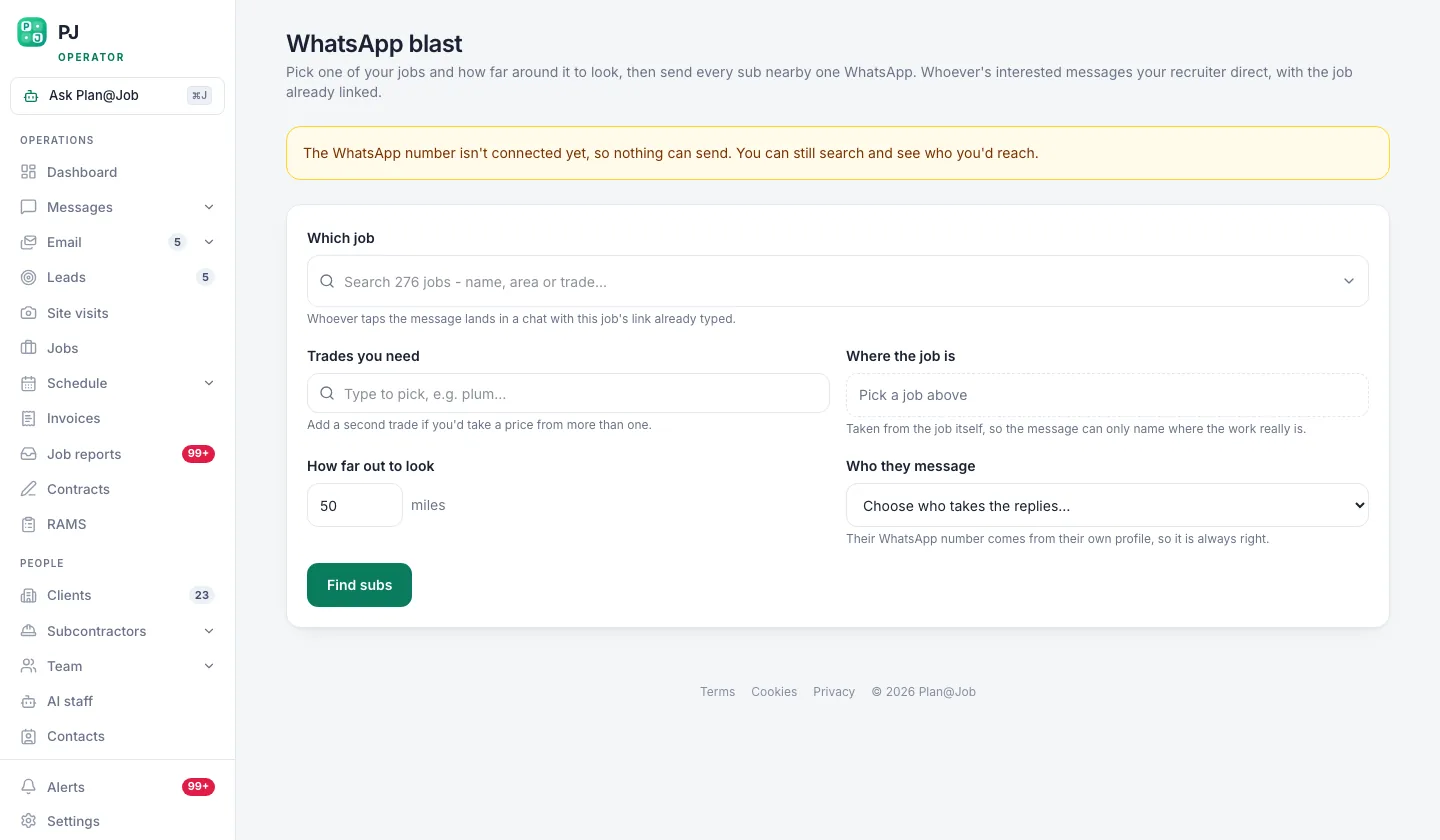 WhatsApp reaches trades who never open email. Same job, same brief, different door.
The platform sends the same brief to everyone you picked. Same scope, same dates, same detail. Nobody gets a better version because you happened to be in a better mood when you typed it. That alone saves a lot of arguments later.
What it won't do is pick the list for you or send anything until you press the button. You decide who sees the job and when.
A word on manners. Only message trades who've given you their number for work, keep it about the job, and if someone asks you to stop, stop. Current UK data protection rules apply on WhatsApp the same as anywhere else.
Step 4: Handle the replies and the follow-ups
This is where most operators lose the job. The sending is easy. The chasing is where it goes wrong.
Daniel Reed, our AI Operations Manager, handles follow-ups on quotes and proposed dates, so a sub who said 'I'll have a look tonight' gets a nudge rather than being forgotten. He also puts together a morning brief, so you start the day knowing which jobs are still waiting on a price. Where a job is eligible, he can also help share it with your existing vetted network.
What Daniel doesn't do is award work, set prices or promise a sub anything. Those decisions stay with you.
When the replies come in:
- Get every price onto the job. Don't take a quote as a voice note at 10pm and hope you remember it.
- Compare like for like. Everyone got the same brief, so the prices should be for the same work.
- Ask what you'd ask on site: who's actually turning up, and have they done this kind of job before.
Step 5: Award the job and move it onto the system
Picking the sub is a person's decision, and you should treat it like one.
- Give the job to the sub you've chosen and tell the others it's gone. Leave people hanging and they won't answer next time.
- Put the dates into Schedule.
- Sort the paperwork in Contracts and RAMS before anyone sets foot on site.
- Keep job conversations in Messages so the history stays with the job and not in your personal WhatsApp.
On a bigger job, split the work into stages in the project plan. Each stage gets its own scope, dates, status and costs, whether a sub does it or your in-house operatives do. Your client sees the agreed overall scope and price, plus whatever evidence you share. Your internal stage costs, and which sub did the work, stay internal.
What usually goes wrong
I've seen all of these. A couple of them I did myself.
- Blasting everyone in the Directory. You get a pile of noise, you annoy good subs, and the best ones stop reading your messages.
- Sending a brief with no dates. A sub can't say yes to a job if they don't know whether it fits their week.
- Taking prices on chat and losing them. If it's not on the job, it didn't happen.
- Forgetting the subs who didn't win. Two lines saying 'it's gone this time, thanks' keeps them answering.
- Treating a fast price as approval. A price before vetting is just a price. It doesn't mean they've passed your checks.
- Leaking the client's details into the brief. The client relationship is yours. Keep it that way.
The fix for nearly all of these is the same. Short brief, small list, one place for the answers.
The bit that's still your job
Software can rank subbies, send the brief and chase the replies. It can't build the relationship for you. The subs who drop everything for you are the ones you paid on time and gave a clean brief to. That part is still on you.
If you're an operator running work through subbies and your own team, have a look at how Plan@Job works for contractors and see if it fits how you run jobs. If you'd rather talk it through with people building the same kind of business, that's what Contractor Club is for.
FAQ
Is it better to WhatsApp message subcontractors than email them?
For most trades, yes. They read WhatsApp on site and leave email for the evening, if they open it at all. Use WhatsApp to get the job seen, and keep the paperwork that needs a proper record on the job itself.
Can a subcontractor quote before they've been vetted?
In supported workflows, yes. But quoting isn't the same as being awarded the job. Your checks and approval come before the work is given, so a fast quote never skips your process.
Does Plan@Job give the job to a sub automatically?
No. The platform ranks the Directory, sends the brief and handles the follow-ups. Choosing the sub, agreeing the price and awarding the work are all decisions a person makes.