Subcontractor payment terms in the UK only protect your business if you can meet them every time, including the month a client pays you late. The short answer is this: build your terms from your own cash cycle rather than from what sounds competitive, write them into a signed agreement before work starts, and run every subcontractor invoice through the same check so your notices and payments go out on the dates you promised. This guide walks an operator, meaning the contractor business that manages clients, project delivery, subcontractors and in-house operatives, through doing that in Plan@Job.
Why terms you cannot honour cost more than slow terms
A promise to pay fast might win a good subcontractor once. Breaking that promise loses them, and trades talk to each other. A subcontractor who has been paid late will price your next job higher or be busy when you call.
There is also the law to think about. Most UK construction subcontracts fall under the Housing Grants, Construction and Regeneration Act 1996, as amended (usually called the Construction Act). In broad terms it requires an adequate mechanism for working out what is due and when, a system of payment notices and pay less notices, and it generally stops you making payment conditional on your client paying you, except in insolvency. Check the current guidance on GOV.UK or with an adviser for how it applies to your own contracts.
That last point is the one that catches people. If your client pays you late, you usually still owe your subcontractor on the dates you agreed. So your terms need to fit the cash you can rely on, not the cash you hope arrives.
Step 1: Look at how your clients actually pay
Before you write a word, open Invoices and look at what is outstanding and what is overdue.
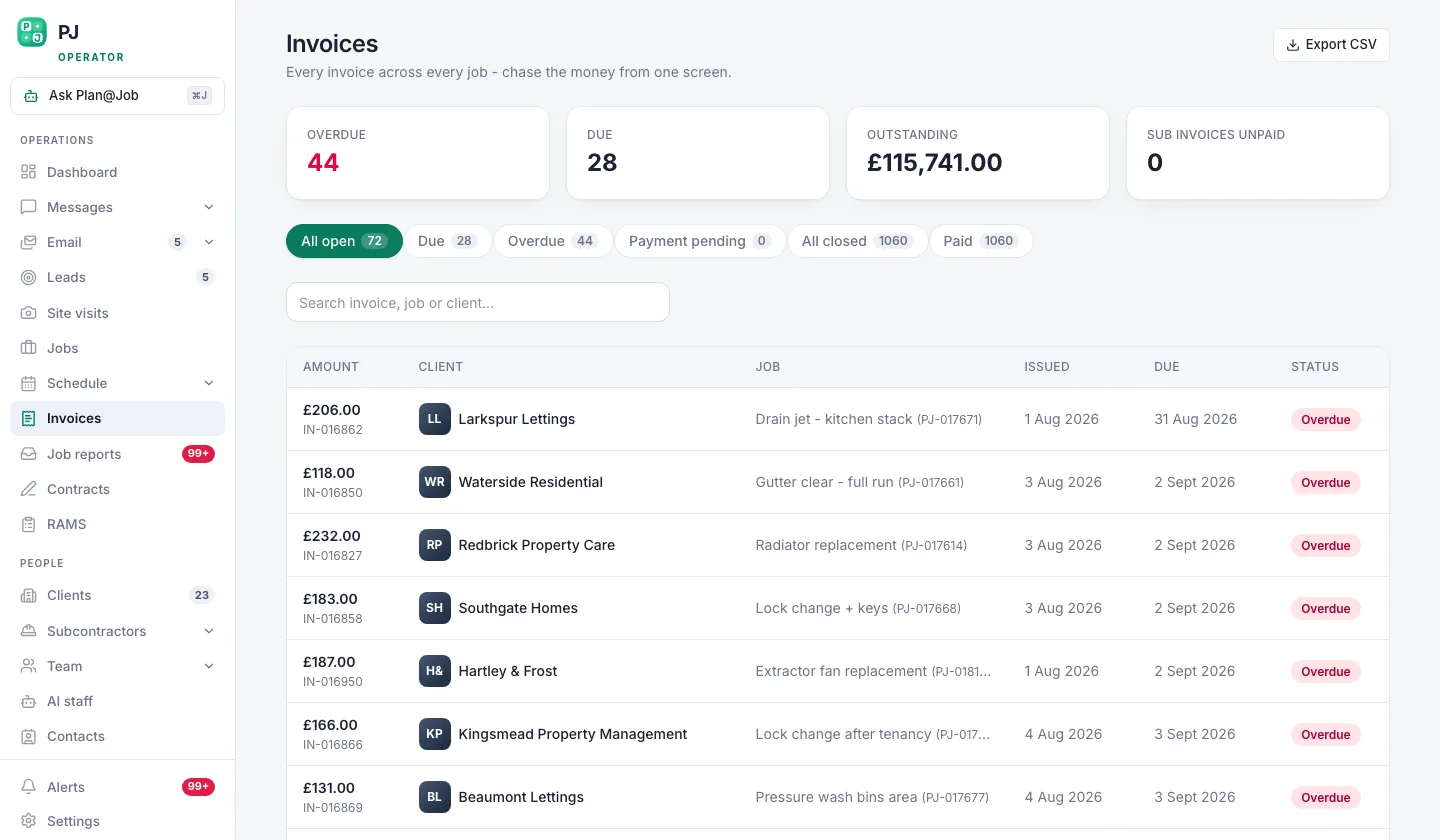 Invoices, with what is late showing before anybody has to ask.
- Note how long your regular clients take to pay in practice, not what your own terms say.
- Pick out the clients and job types that tend to run late.
- Work out how much cash you can hold back to cover subcontractor payments if a client slips.
This step is your decision. The platform shows you what is late. It does not set your terms or forecast your bank balance.
Step 2: Break the job into stages with costs
Open the job in Jobs and use the project plan to split it into internal stages, each with a scope, dates, a status and costs. Mark which stages a subcontractor delivers and which your in-house operatives do.
Payment terms are much easier to honour when each payment ties to a stage you can actually check. A vague 'half up front, half at the end' arrangement leaves you arguing about what the end means.
Your client sees the overall agreed scope and price, plus the evidence you choose to share. Your internal stage costs and the subcontractor's identity stay internal, so you can manage subcontract payments without exposing your margin. You can read more about project management in Plan@Job.
Step 3: Write terms you can meet
Now draft the terms. Keep them plain enough that a subcontractor can read them on a phone in a van.
- Payment basis. Stage completion, periodic valuation, or a single payment on completion for small jobs. Pick one per agreement.
- Due date and final date for payment. Set them so they fit the client pattern you found in Step 1, with room for one late client.
- What a valid invoice includes. Job reference, stage, description of the work, supporting evidence such as photos or a completed report, and CIS details where the scheme applies.
- Notices. Who issues the payment notice and any pay less notice, how they are sent and by when.
- Retention. Only include it if you will genuinely track it and release it. If you hold retention, write down exactly when it is released.
- Variations. Extra work must be agreed in writing, with a price, before it starts.
- Disputes. Who to contact first and how, without removing anyone's statutory rights such as adjudication.
Do not copy a long payment period from a large main contractor's subcontract just because it looks safe. A long term you then miss does more damage than a shorter one you always meet.
CIS verification and deductions follow current HMRC rules. Handle them in your accounts or payroll process and make sure the agreement says which status applies.
Step 4: Put the terms into a signed agreement
Open Contracts and set up the agreement for that subcontractor and that job, with the payment terms from Step 3 written in. Send it for signature before anyone starts on site.
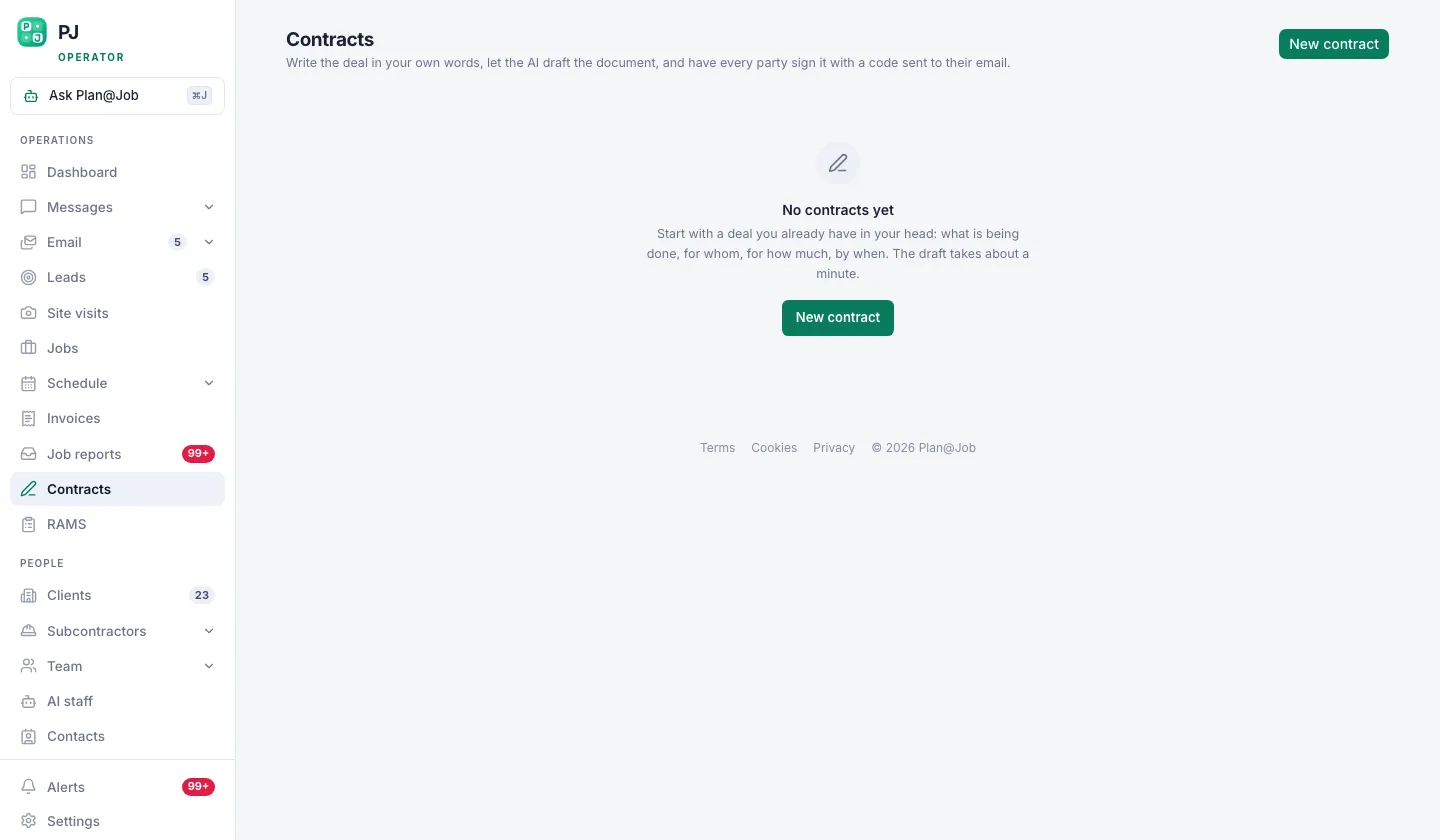 Agreements are signed in the platform, frozen, and kept with the job.
You decide the wording and when it goes out. Once signed, the platform keeps the frozen version with the job, so nobody is relying on memory or a forwarded email when an invoice is questioned months later. Keep the related RAMS with the job too, so the paperwork for the work and the paperwork for the money sit together.
Step 5: Award the work after the checks you need
In supported workflows a subcontractor can price a job before they have been fully vetted. That is useful for getting quotes in early, but it means the award is where your checks matter.
Before you award, review the subcontractor in Subcontractors and confirm the things your business requires, such as insurance, competence for the work, CIS status and agreed RAMS. Decide what you need for each type of job and apply it consistently.
Daniel Reed, the AI Operations Manager in AI staff, can follow up on outstanding quotes and proposed dates. He does not award work or set prices. The award is always a person's decision.
Step 6: Check each subcontractor invoice against the stage
The subcontractor sends their invoice through Plan@Job against the job, rather than by text or a loose email.
 The subcontractor bills you in the same system, so nothing is chased over text message.
For each invoice:
- Match it to the job and the stage in the project plan.
- Check the evidence in Job reports and Messages against what the stage required.
- Compare the amount with the signed agreement and any variations agreed in writing.
- Decide whether to pay in full or to issue a pay less notice, and do it within the period your contract and the Construction Act allow.
This is a person's judgement every time. The platform puts the invoice, the stage and the evidence in one place. It does not approve or reject anything for you.
Step 7: Pay on the date and update the record
Make the payment from your own bank on or before the final date for payment. Then update the invoice in Plan@Job so you and the subcontractor see the same status.
Be clear about what that update is. A record of payment in Plan@Job is not a transfer of money. Plan@Job does not hold or send funds on your behalf.
Who decides what
- You decide: the terms, the agreement wording, who gets awarded, whether an invoice is approved, any pay less notice, and the payment itself.
- The platform does: shows overdue client invoices, keeps stage costs internal, stores the signed and frozen agreement with the job, and collects subcontractor invoices against the right job.
- AI staff help with: follow-ups on quotes and proposed dates (Daniel Reed), and preparing deposit and overdue payment actions on client invoices for you to approve (Maya Collins). Getting client money in on time is what makes your subcontractor terms easier to keep, but every action still needs your approval.
What usually goes wrong
- Terms set to match a competitor. Start from your own cash cycle in Step 1 instead.
- Pay-when-paid wording slipped in. It is generally ineffective under the Construction Act and gives subcontractors a false picture. Take advice if you are unsure.
- Missed notice deadlines. Put the dates for payment notices and pay less notices in your diary or Schedule the day the invoice lands.
- Verbal variations. Agree extra work in writing, with a price, before it starts.
- Invoices with no stage reference. Ask for the job and stage on every invoice so the check in Step 6 takes minutes, not an afternoon.
- Retention with no release date. If you cannot say when it comes back, do not hold it.
If you want to compare how other UK contractors handle this, Contractor Club is a community for UK contractors that discusses this kind of practical issue.
When you are ready to run agreements, stages and subcontractor invoices in one place, see how Plan@Job works for UK contractors.
FAQ
Can I pay my subcontractor only when my client pays me?
Generally not. The Construction Act makes most pay-when-paid clauses ineffective, with a limited exception for insolvency. Check current GOV.UK guidance or take legal advice for your specific contract, and set terms you can meet even when a client pays late.
Does every subcontractor have to be vetted before they can quote in Plan@Job?
Not in every case. In supported workflows a subcontractor can price before vetting is complete. Do your checks before you award the work, and decide which checks each type of job needs.
Does Plan@Job pay my subcontractors for me?
No. You pay from your own bank account. Plan@Job keeps the agreement, the invoice and the payment record together with the job, so both sides can see where things stand.