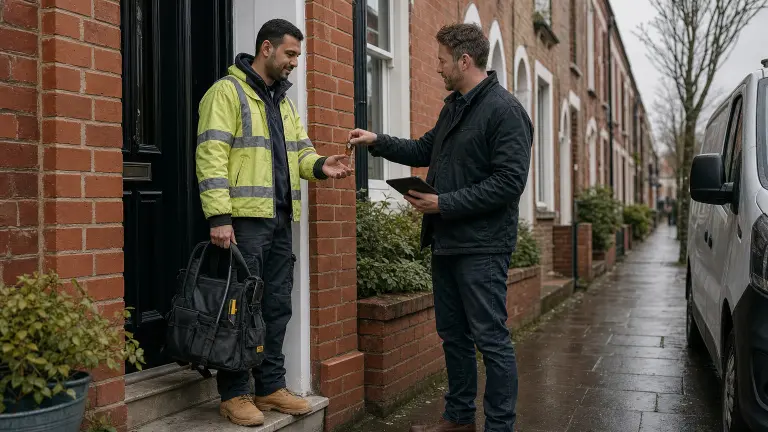
How to vet a subcontractor before they walk into a client's property is simple to say and easy to skip. Prove who they are. Prove they're insured. Prove they're qualified for this exact job. Then brief them. Paperwork first, keys second, never the other way round.
I built a property maintenance company in London that worked for housing associations and letting agents, and nearly all of it ran through subbies. The client doesn't care how good your van looks. When something goes wrong they ask one question: who did you send into my tenant's home? You want a good answer to that before the job, not after.
Here's how I'd do it, step by step, and where Plan@Job fits in.
What does vetting a subcontractor actually cover?
It comes down to three questions. Are they a real business? Are they insured for this work? Are they qualified for this trade, in this property, with these people living in it?
This guide is written for operators. An operator is the contractor business in the middle: you manage the client, the job, the subbies and your own operatives. Everything below is how you answer those three questions properly, in the right order, without holding the job up.
Step 1 - Work out what the job needs before you look at anyone
Vetting isn't one checklist. Clearing a gutter and swapping a boiler need different proof. Before you pick anyone, open the job in Jobs and write down what it needs:
- The trade, and whether any of it is restricted work. Gas work means the person has to be on the Gas Safe Register for that type of work. Notifiable electrical work in England and Wales means a competent person scheme such as NICEIC or NAPIT, or a building control sign-off.
- Who lives there. An empty void is one thing. An elderly tenant at home on their own is another, and that's where you ask for a DBS check.
- The building. If it's an older property and they're drilling into walls or ceilings, you want someone with asbestos awareness training who knows when to stop.
- Access. Keys, key safe codes, a tenant letting them in, a concierge, parking.
That's your call. Plan@Job holds the job. It doesn't decide what the job needs.
Step 2 - Find the subcontractor, or bring in your own
Start with people you already know. Open Subcontractors and you'll see your own network, with trades, areas and who has been vetted and who hasn't.
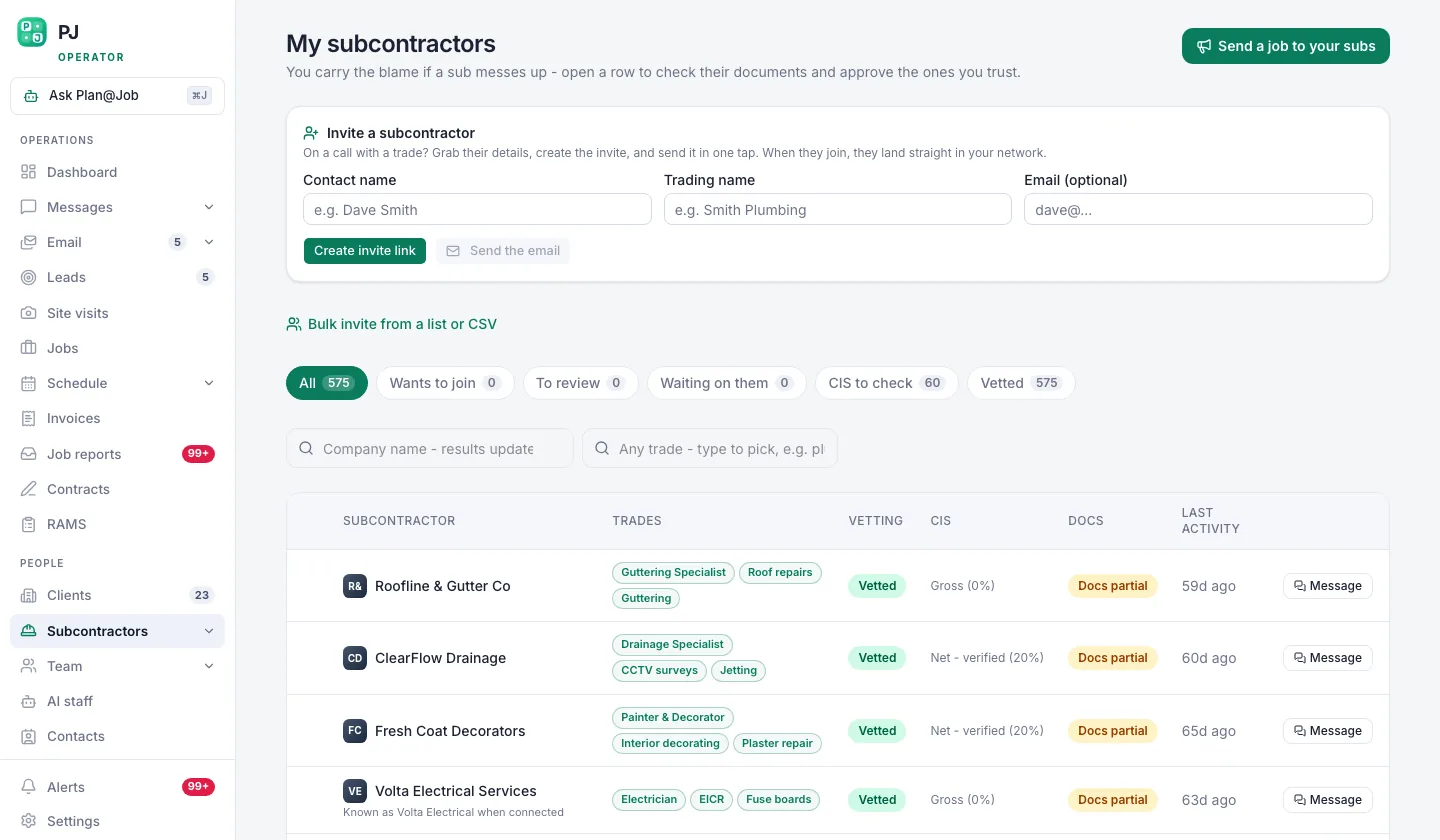 Your own subcontractor network, showing who is vetted and who is still a stranger.
If you've got a good subbie who isn't on there yet, send them an invite from Invites. They set up their own account and upload their own documents. Don't type their insurance details in for them. You want it coming from them.
If nobody in your network covers the trade or the area, go to the Directory. Search by trade and it ranks by trade first, then by distance from the job.
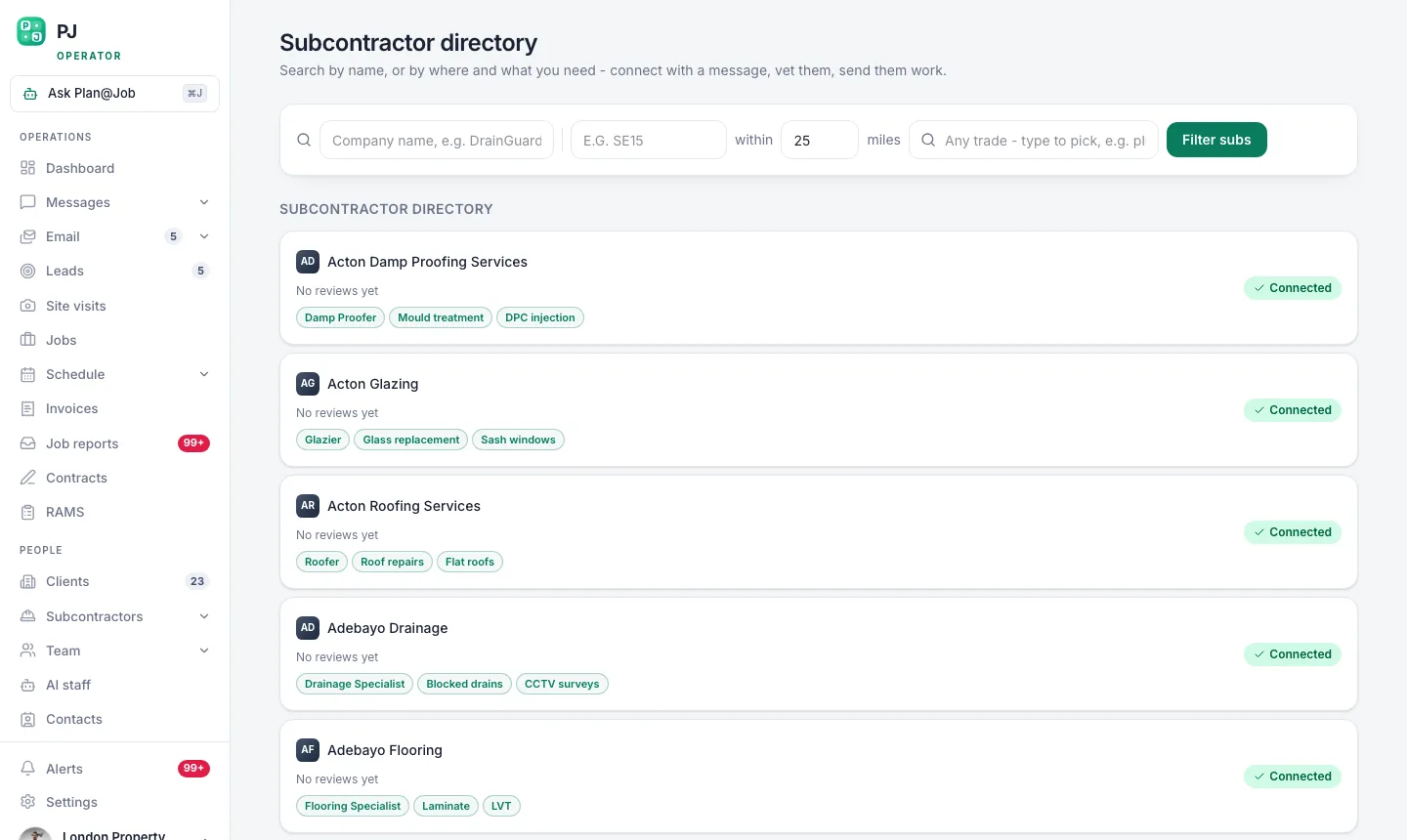 The subcontractor directory ranks by trade first, then by how close they are to the job.
Being close doesn't make someone vetted. The Directory gets you a name. Steps 3 and 4 decide whether that name gets the keys.
Step 3 - Get the documents proved on the verification screen
Verification is where the subcontractor proves what they've told you. As a minimum, ask for:
- Company details. If they're a limited company, look them up on Companies House. Is it active, does the name match, is the director the person you're talking to? If they're a sole trader, get their full name, trading name and address, and check the name on the insurance matches.
- Public liability insurance in their name, in date, covering the trade they're doing for you. If you want to know what that cover actually does when a ceiling comes down, here's what public liability insurance means for contractors.
- Employers' liability if they bring their own employees. Most businesses that employ staff are legally required to have it.
- Trade cards and registrations for the work. A Gas Safe card for gas. Competent person scheme registration for electrics. A CSCS card where the site or the client asks for one.
- CIS. If you're paying them under the Construction Industry Scheme, verify them with HMRC before the first payment.
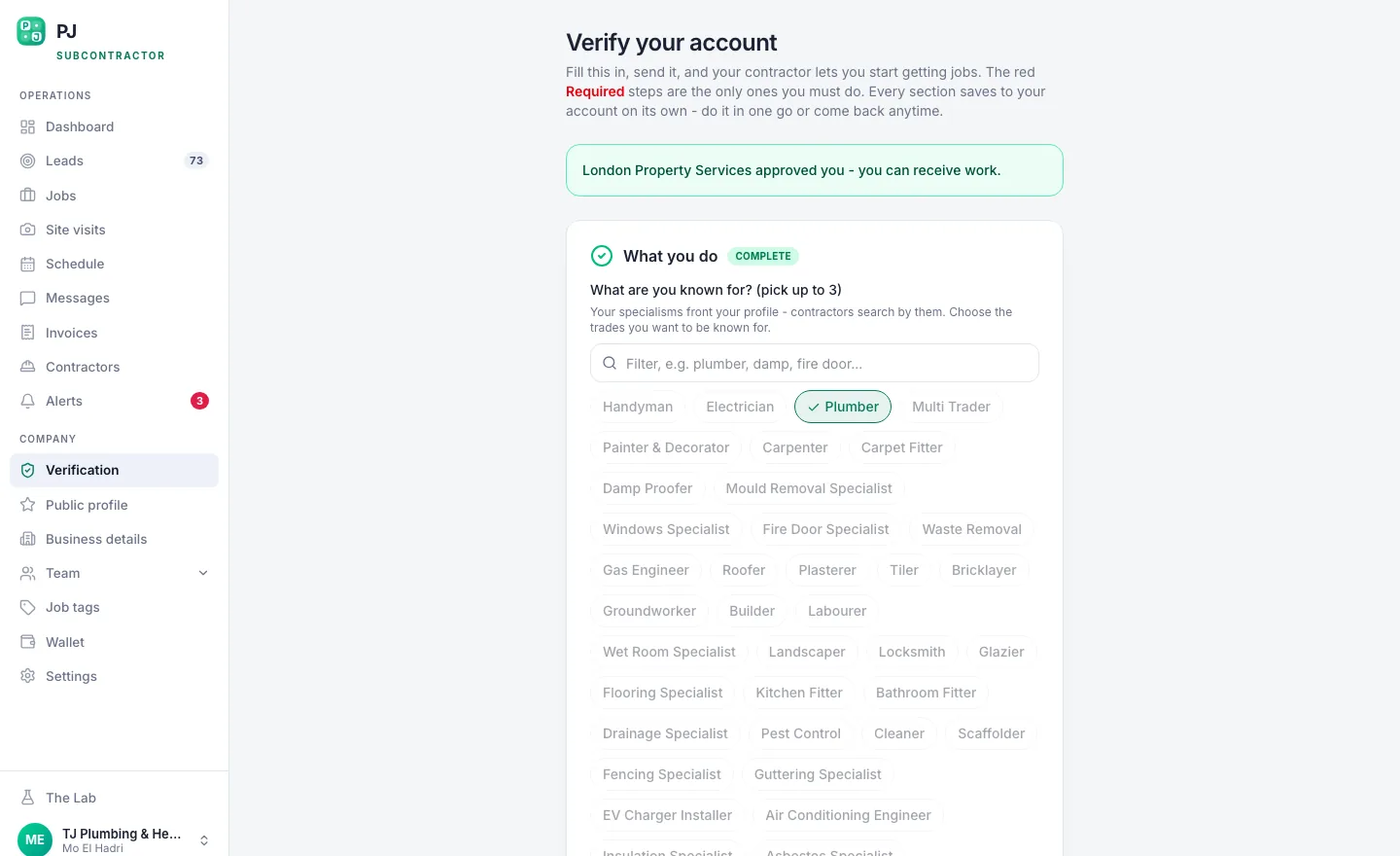 Verification is where insurance, trade cards and company details are proved.
Now the important part. Plan@Job shows you what's been uploaded. You still open each document and read it. Check the name, the expiry date and what it actually covers. A painter's policy doesn't cover them touching your gas. Approving it is a person's decision, and it should be yours or someone you trust.
Check the Gas Safe card against the public register online. It takes a minute. People still skip it.
Step 4 - Check the person, not just the paper
Paperwork tells you they're legal. It doesn't tell you they'll turn up on time, clean up after themselves or speak to a tenant properly.
Call them. Ask what they've done recently that looks like this job. Ask for photos of finished work. If someone in your own network has used them, ask that person, not a review site.
For a first job in an occupied home, give them something small first. Don't hand them a full rewire on day one. They earn the bigger jobs.
Step 5 - Let them price, but hold the keys
In supported workflows on Plan@Job, a subcontractor can price a job before they're fully vetted. That's fine. It means you don't lose a good quote while you wait for a PDF.
What you don't do is award the job and hand over access until the checks for that job are done. A quote is just a conversation. Letting someone in is a decision.
If you use Plan@Job's AI staff, Daniel Reed, the AI Operations Manager, can chase quotes and proposed dates and share eligible jobs with your existing vetted network. He doesn't award work and he doesn't set prices. You do.
Step 6 - Brief them for this property
Once you've decided, brief them properly in Messages on the job. Tell them who lives there, how they get in, where to park, whether there are pets, any known risks and what finished looks like. If the job needs a risk assessment and method statement, keep it against the job under RAMS so it's there before anyone starts. If you're putting a contract in place, use Contracts.
Make one thing very clear in the brief: the person you vetted is the person who turns up. Not their cousin. Not the lad they met last week.
On Plan@Job the client sees the agreed scope, the price and the evidence you choose to share. Your internal costs and who your subcontractor is stay internal. Managing the subbie is your job, not the client's.
Step 7 - Watch the first job closely
On the first job with a new subbie, ask for before and after photos and a proper write-up in Job reports. Check them the same day.
If something's off, like mess left behind, a tenant complaint or a missed slot, deal with it now. Don't wait for the third job.
What Plan@Job does and what you decide
Plan@Job keeps your network in one place, shows vetting status, stores the documents subbies upload, finds subcontractors by trade and distance, and keeps briefs, RAMS and reports against each job.
You decide what each job needs, whether a document is good enough, who gets the work and who gets access to the property. AI staff can follow up on quotes and dates. They don't approve a subcontractor and they don't award a job.
What usually goes wrong
- The insurance is in a different name from the person who turns up.
- The cover ran out last month. Check expiry dates when you approve, and again before a big job.
- Their mate turns up instead. Covered above. Don't let it slide.
- You vet them once and never look again. Documents expire. Check again before the work, not after a claim.
- You skip the checks because the client's chasing. That's exactly when it goes wrong.
The fix is boring. Same checks, every subbie, every time, written down somewhere you can show a client.
The next move
If your vetting lives in a WhatsApp chat and your own memory, it isn't vetting. It's hope. Get your subbies into one network, get their documents proved and make the access decision yourself, on record. Set up your network on Plan@Job for contractors. If you want to talk it through with other people building contracting businesses, that's what Contractor Club is for.
FAQ
Can a subcontractor quote before they're vetted?
Yes, in supported workflows on Plan@Job they can price before vetting is finished. That keeps good quotes coming in. Award and property access should still wait until you've checked what that job needs.
Do I need a DBS check for every subcontractor?
No, there's no blanket rule for general trade work. Ask for one when the people living there are vulnerable or the client's contract requires it. A subbie can apply for a basic DBS check on themselves.
How often should I re-check a subcontractor's documents?
Whenever something expires, and before any bigger or riskier job. Insurance and registrations lapse quietly. Look at the dates on file before you send anyone in, not after a claim lands.