
A property manager answers a cold email when it comes from a real person at a local business, shows that the sender understands their problems, and asks for something small. That covers most of it. Write to one named person, mention the area and type of property they manage, offer one specific service you can deliver well, say how you report back, and finish with a question they can answer in ten seconds. Then follow up two or three times, adding something useful each time. This guide is for operators, meaning contractor businesses that manage their own clients, project delivery, subcontractors and in-house operatives. It walks through the process in the order you would do it and shows where Plan@Job does the sending and where you have to make the call.
Before you write: what a property manager is dealing with
Most property managers and letting agents are not short of contractors. What they lack is contractors they can trust. Their day is spent on tenants reporting leaks, landlords asking why nothing has happened, compliance dates coming up and trades who say Tuesday and turn up on Friday. A cold email that sounds like one more thing to manage will get deleted. One that sounds like it could take something off their plate gets read.
Before putting a trade on their approved list, a property manager will usually want to know:
- Where you work. Postcodes, not "the South East".
- What you do. One or two trades done properly beats a list of twenty.
- How you report. Photos before and after, a short job report, and invoices that match the works order.
- Your paperwork. Insurance, the trade registrations your work needs (for example Gas Safe registration for gas work) and RAMS for anything higher risk.
- How you behave when something goes wrong. Whether you call before a job overruns or after.
Your email should answer as many of these as possible in very few words.
Step 1: Build a short, real list
The list matters more than the wording. Fifty well-chosen agencies will do better than five hundred scraped addresses.
- Pick an area you already cover. Only include places you can reach within your normal response times.
- Find the agencies and block managers there. Local lettings agents, block management firms and housing associations that use outside contractors.
- Find a named person. Look for the property manager, maintenance coordinator or block manager, not info@. If you can't find a name, a phone call to reception asking who handles contractor onboarding usually works.
- Add them to Contacts or Leads in Plan@Job, with a short note on what you know: portfolio type, area, anything they have posted about.
- Check you are allowed to email them. Under current UK rules (PECR and UK GDPR), you can generally send business-to-business marketing email to staff at limited companies and LLPs as long as you identify yourself and offer an easy opt-out. Sole traders and some partnerships count as individuals and usually need prior consent. If you're unsure, check the ICO's current guidance before you send.
Your decision: who goes on the list. The platform stores and organises it, but it can't judge whether an agency is a good fit for your business.
Step 2: Connect your own mailbox
Cold email sent from a no-reply address, or a domain the recipient has never heard of, looks like spam and often ends up there. Send it as yourself, from your business address, so that replies come back to your own inbox.
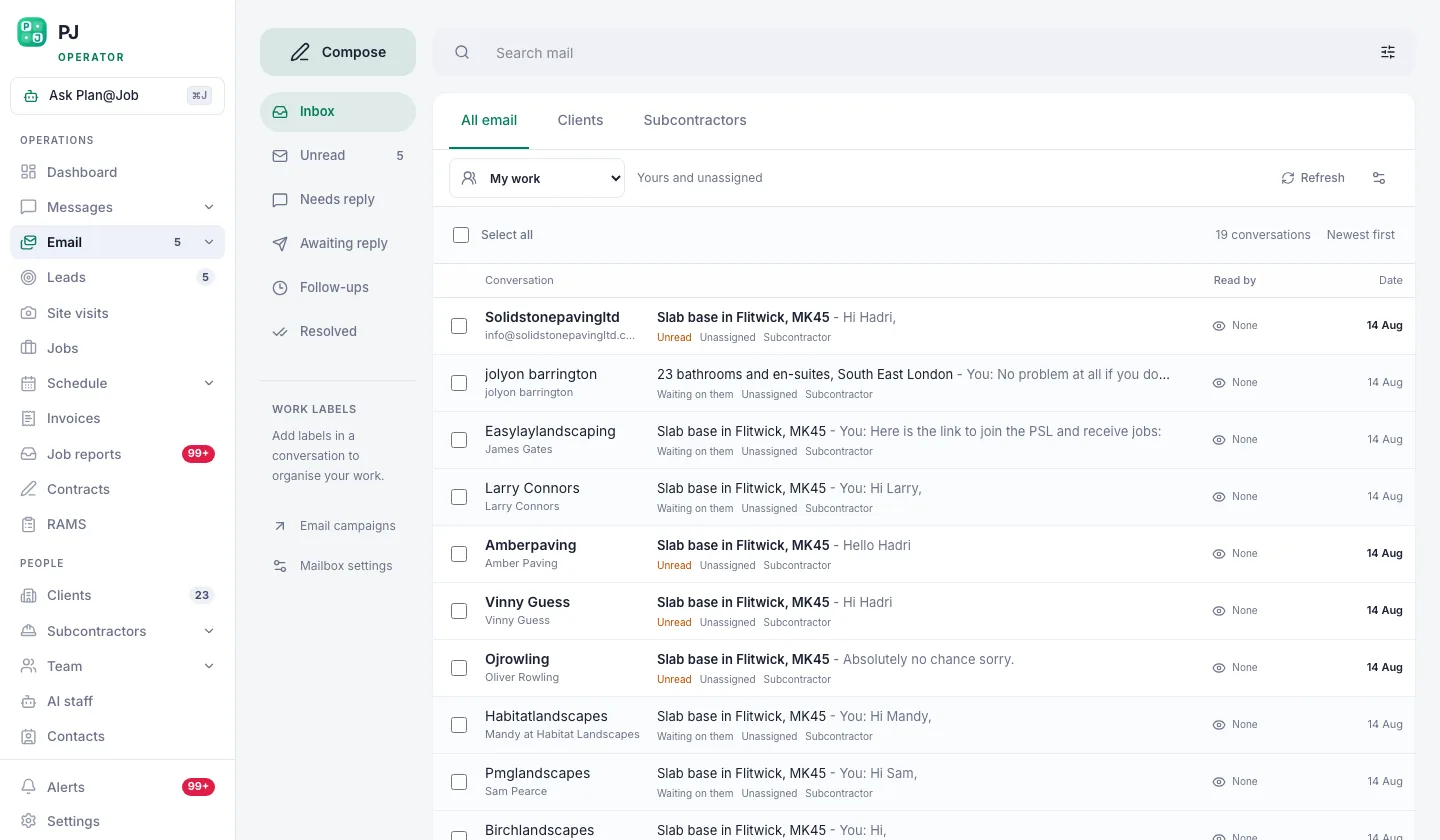 Connect your own mailbox once. Every campaign then sends as you, and replies come back to you.
- Open Email in Plan@Job and connect the mailbox you use for business.
- Set up a plain signature: your name, role, company name, business address, phone number and your registered company number if you're a limited company.
- Add a short opt-out line, such as "If this isn't relevant, reply 'no thanks' and I won't contact you again."
The platform does: send from your connected mailbox. You do: make sure the mailbox is the right one and that the signature is accurate.
Step 3: Write the first email
The subject line
Keep it short, specific and plain. Name the area or the service, not a sales pitch. "Reactive plumbing for your Headingley lets" will do better than "Partnership opportunity" or "Quick question!!"
The body in four parts
- Why them. One sentence showing you have looked at their business: the area, the property type, a block they manage.
- What you do. One service, one area, and what makes you easy to work with.
- How you report. Photos, job reports and matching invoices. Property managers need this to answer their landlords.
- A small ask. Something they can say yes to without a meeting.
Illustrative example (fictional business and names):
Subject: Reactive plumbing for your Headingley lets
Hi Priya,
I noticed most of your Leeds lettings are in LS6 and LS4. We're a four-person plumbing and heating firm based in Kirkstall, so we're usually ten minutes away.
We handle leaks, boiler faults and bathroom repairs for landlords and agents. Every job comes back with before and after photos, a short job report and an invoice that matches your works order number.
Would it be useful if I sent our insurance and Gas Safe details so you have them on file for the next time a job comes up?
Thanks, Tom Harris, Harris Plumbing Ltd
That's under a hundred words. It doesn't ask for a call or attach a brochure, and it gives her a reason to reply.
What to leave out
- Long lists of every trade you have ever done.
- Claims you can't back up, like "the best in Yorkshire" or "24/7 guaranteed".
- Attachments in the first email. They set off spam filters and nobody opens them.
- Prices, unless you're offering one clearly defined service.
Step 4: Set up the sequence in Client outreach
Most replies come from follow-ups, not the first email. People are busy, and a second polite message often arrives on a quieter day.
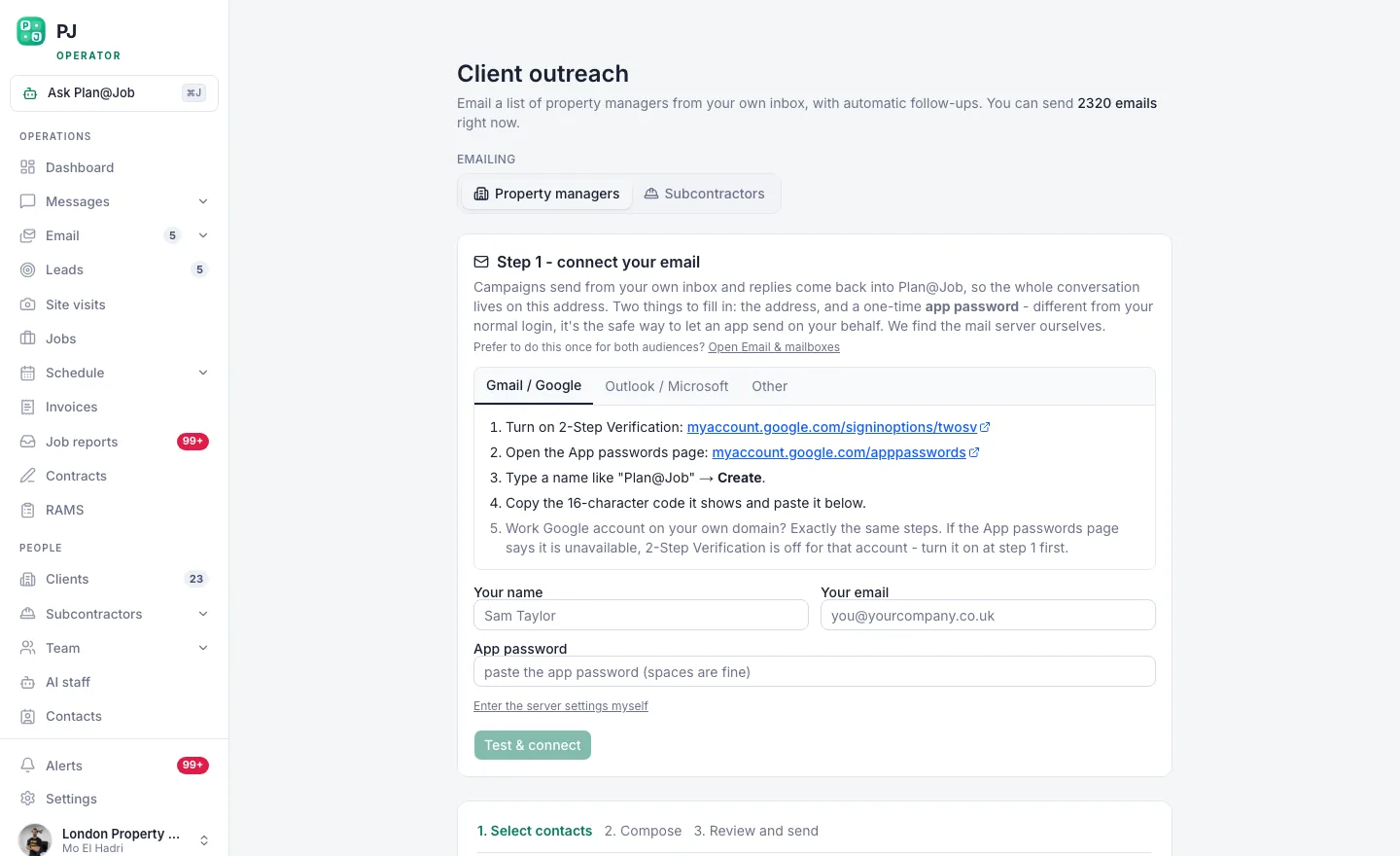 Client outreach: pick the list, write the sequence, and let the follow-ups run themselves.
- Open Client outreach and choose the list you built in Step 1.
- Paste in your first email and personalise the opening line for each contact where you can.
- Add a first follow-up a few working days later. Make it add something new, such as a one-line example of a job type you handle, or an offer to send your documents.
- Add a final, short follow-up a week or so after that: "I'll leave it here. If a plumbing job ever comes up in LS6, I'm on this number."
- Before you launch, read the whole sequence as if you were the property manager, and check how the sequence treats contacts who have already replied.
- Launch.
The platform does: send each step on the schedule you set, from your mailbox. You do: choose the list, write every word and decide when to launch. Nothing goes out to a new contact until you have set it up and started it.
Step 5: Handle every reply yourself
Replies usually fall into four groups:
- "Send your details." Reply the same day with insurance, registrations and a sample job report. Speed here is proof that you'll be quick on real jobs too.
- "Not right now." Thank them, make a note in Contacts, and don't argue.
- "Remove me." Remove them straight away and don't contact them again.
- "We've got a job." Create it in Jobs, book a slot in Site visits if you need to see it, and quote properly.
Once real jobs start arriving, the AI staff can take some of the admin off you. Sophie Bennett, the AI Enquiries Coordinator, checks job briefs for missing information, such as access details or photos, and asks the client to fill the gaps. If she doesn't get an answer after two attempts, she hands it back to you. Daniel Reed, the AI Operations Manager, helps follow up on quotes and proposed dates and puts together a morning brief. They support the work. They don't set prices or accept jobs on your behalf, and you stay in charge of every commercial decision.
If a first small job leads to something bigger, such as a refurbishment between tenancies, you can split it into internal stages with their own scope, dates and costs in project management. The client sees the agreed overall scope and price, while your stage costs stay internal.
What usually goes wrong
- Writing to info@. Generic inboxes get filtered by someone whose job is to say no. Find the name.
- Too long. If it doesn't fit on a phone screen without scrolling, cut it.
- "Just bumping this." A follow-up with nothing new in it is just noise. Add one useful detail each time.
- Too many follow-ups. Two or three is polite. Seven is a complaint waiting to happen.
- Overpromising. If you say you'll be there in an hour and then take a day on the first job, you won't get a second one.
- Going quiet after the first job. Send the job report and invoice promptly, then ask if anything else is outstanding. That's how one job turns into an approved-contractor slot.
Your next step
If you want your list, mailbox, outreach and the jobs that come from it all in one place, start with the Plan@Job page for UK contractors and set up your operator account. If you'd like to compare notes with other UK contractors on what's working in their area, the Contractor Club community is a related Plan@Job site worth a look.
FAQ
Is it legal to cold email property managers in the UK?
Generally yes, if you're emailing staff at a limited company or LLP, you identify yourself clearly and you give an easy way to opt out. Sole traders and some partnerships are treated as individuals and usually need prior consent. Rules change, so check the ICO's current guidance on PECR and UK GDPR before a campaign.
How many follow-ups should I send?
Two or three after the first email, spaced several working days apart, and each one should add something new. Stop as soon as someone replies, whatever their answer, and remove anyone who asks you to.
Should I attach my price list or brochure?
Not in the first email. Attachments hurt deliverability and are rarely opened. Offer to send your documents instead. A reply asking for them is already a conversation, and that's the point of the first email.
Last updated 30 September 2026.