
If you want to track lead source as a contractor and actually learn something from it, stop counting enquiries and start counting paid invoices. That's the whole answer. The channel that makes your phone ring most is often not the one that pays your bills, and the only way to know is to follow every enquiry from the first message to the money in the bank.
Most contractors never do this. They pay for ads, a directory listing, a van wrap, maybe a lead site, and they judge each one on feel. 'The phone's been busy.' Busy with what? Here's how I'd set it up in Plan@Job, step by step, so the answer comes from your own jobs and not your gut.
Why counting enquiries tells you nothing
An enquiry costs you time before it earns you anything. Someone has to answer it, maybe do a site visit, write the quote and chase it. A channel that sends twenty enquiries and one small job can be worse than a channel that sends three and turns two of them into proper work.
So the question isn't where your leads come from. It's where your paid work comes from. Different question. Usually a different answer.
A rule I ran my London maintenance company on: a lead isn't a win until the invoice is paid. Quoted is not won. Booked is not won. Finished is not won. Paid is won. Track everything against that and the picture gets honest very fast.
Step 1: Write your list of sources before you track anything
This one is your decision, not the software's. Sit down for ten minutes and write down the channels you actually use. Keep it short and specific. 'Online' is useless. 'Google Business Profile' is useful.
Here's an illustrative list for a small UK operator. By operator I mean the contractor business that manages the clients, the delivery, the subbies and its own operatives. That's probably you.
- Google Business Profile
- Website form
- Paid search ads
- Facebook or Instagram
- Referral from an existing client
- Repeat client
- Letting agent or managing agent account
- Main contractor who commissions work from you
- Work that reaches you inside Plan@Job through Tenders or Invites
- Van, signage and word of mouth on site
That's an example, not a template. Your list should match what you spend money or time on. If you don't run paid ads, leave them off. If one main contractor sends half your work, give them their own line.
Two rules. Every channel you pay for gets its own line. And keep 'Repeat client' separate from 'Referral'. One is someone who already trusts you, the other is someone new who heard about you. They behave differently and you want to see that.
Step 2: Record the source in Leads the day the enquiry lands
Every new enquiry should go into Leads before it becomes a job. Open Leads, open the enquiry and record where it came from. Do it while it's fresh. If you don't know, ask: 'Where did you find us?' Takes five seconds on the phone.
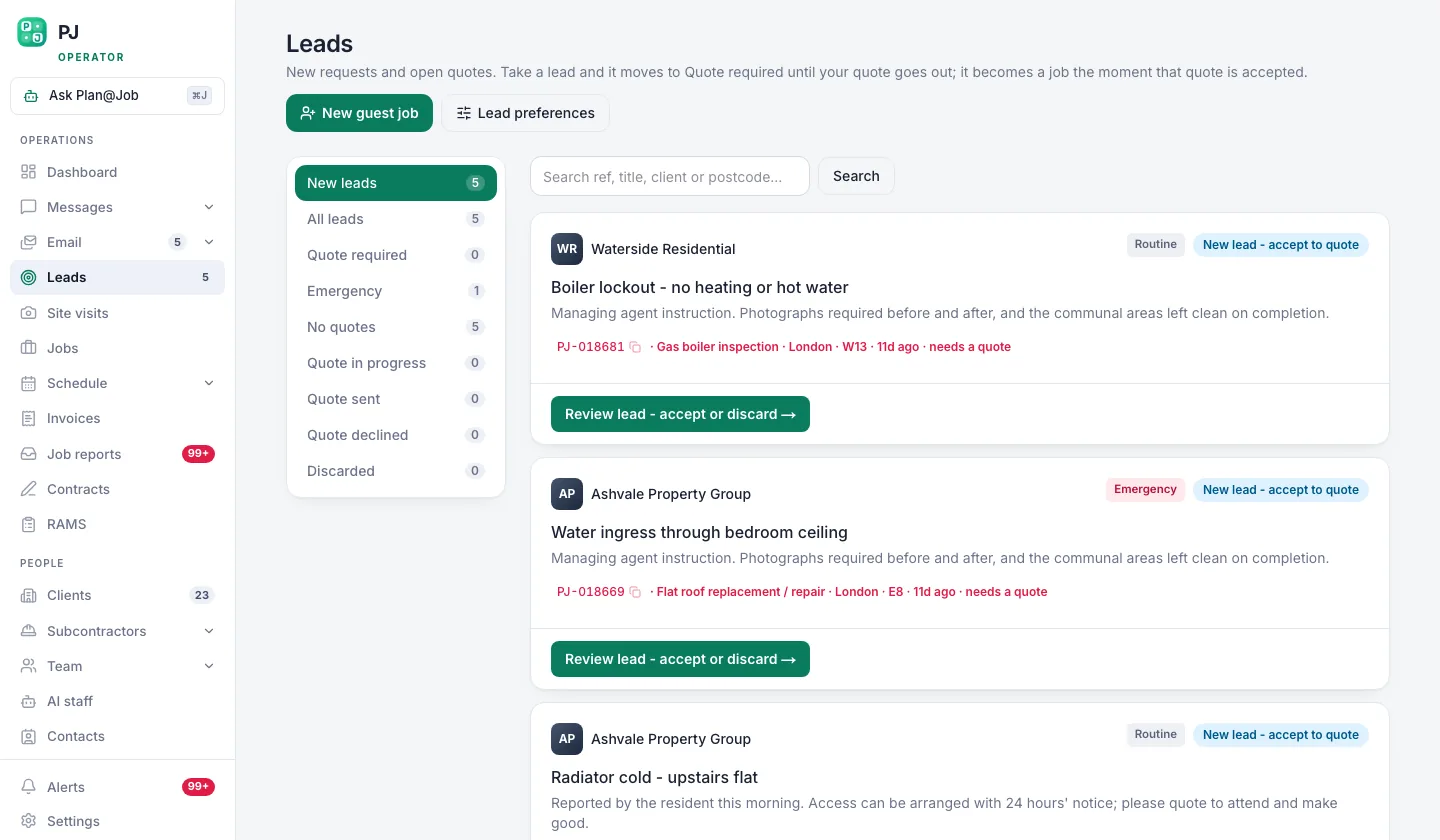 New enquiries queue as leads before they ever become a job.
This step is a person's job. The platform can't know that the customer who rang your mobile saw your van outside the school. Whoever answers the phone has to put it in.
If you use AI staff, Sophie Bennett, the AI Enquiries Coordinator, checks job briefs for missing information and asks for clarification. That helps you get a brief complete enough to quote. It doesn't replace your own habit of asking how they found you, so don't lean on it for that.
And don't delete the time wasters. Leave them in Leads with their source attached. A channel that sends nothing but dead leads is telling you something, and you only hear it if the dead leads stay in the system.
Step 3: Keep the source attached when the lead becomes a job
When a lead turns into work, it moves into Jobs. The job needs to carry where it came from. Check the source is still right at this point, because this is where most businesses lose it. Someone creates a job from scratch instead of from the lead, and the history is gone.
So the rule for your team is simple. If there was a lead, the job comes from the lead. Nobody retypes it. If a job genuinely comes in direct, say a repeat client texts you on a Sunday, record the source on the job when you set it up.
Step 4: Keep invoicing in Plan@Job so the money closes the loop
A source report without money in it is a popularity contest. What matters is what got invoiced and what got paid.
Keep your invoices in Invoices against the job, not in a separate spreadsheet or another app. If the invoice lives somewhere else, the link between 'came from Google' and 'paid' is broken and you're back to guessing.
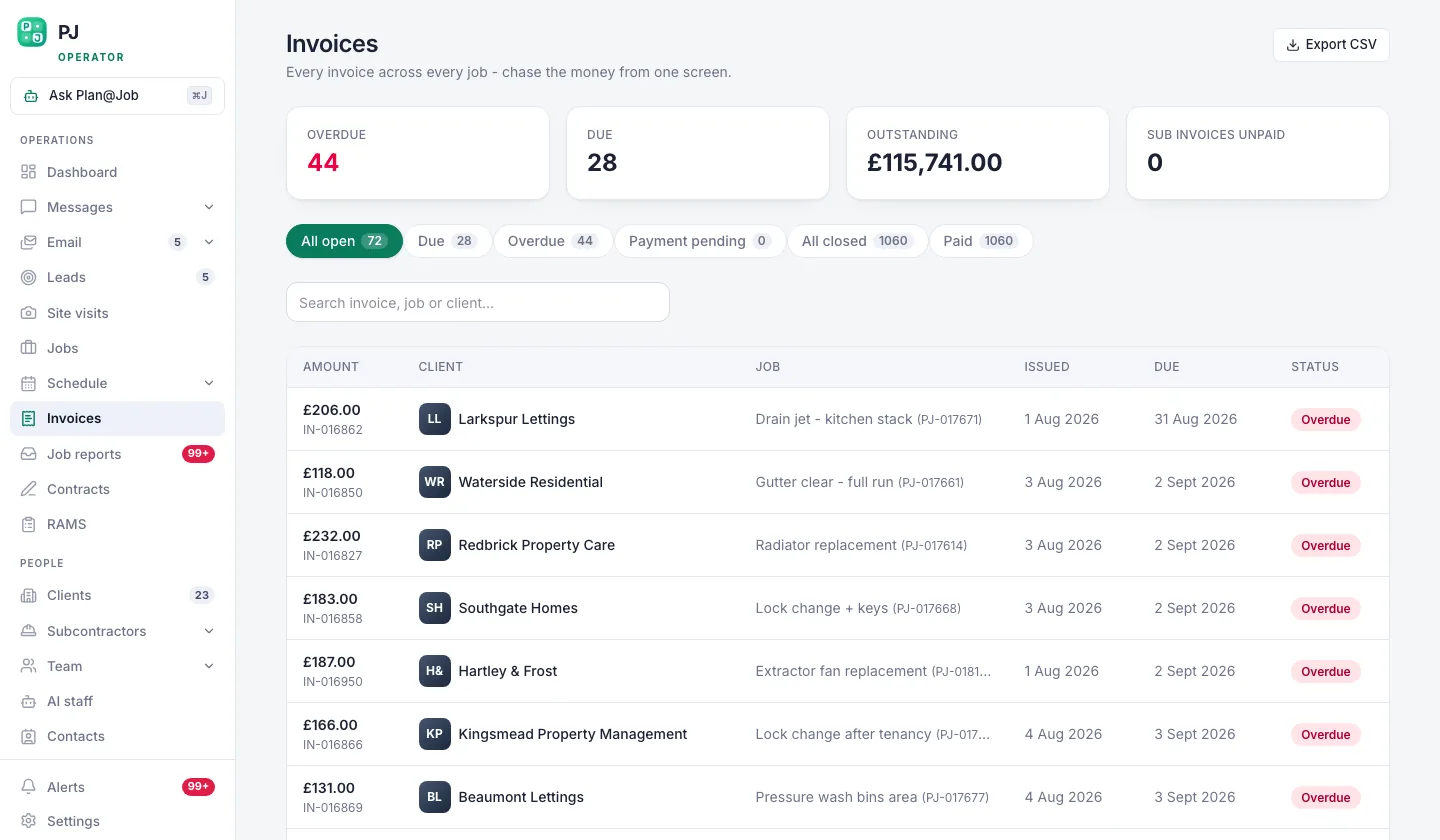 Invoices, with what is late showing before anybody has to ask.
Invoices shows you what's outstanding and what's overdue. That matters more for this than people think. A channel that brings in clients who pay late, or don't pay at all, is not a good channel. It just looks like one on a sales sheet.
If you use AI staff, Maya Collins, the AI Finance Coordinator, prepares overdue payment actions for you to approve. Nothing goes out without your say so. The chasing still needs your decision. The point is you're not starting from a blank page.
Step 5: Read Work sources once a month and make one decision
Open Work sources. It shows which channel each job came from.
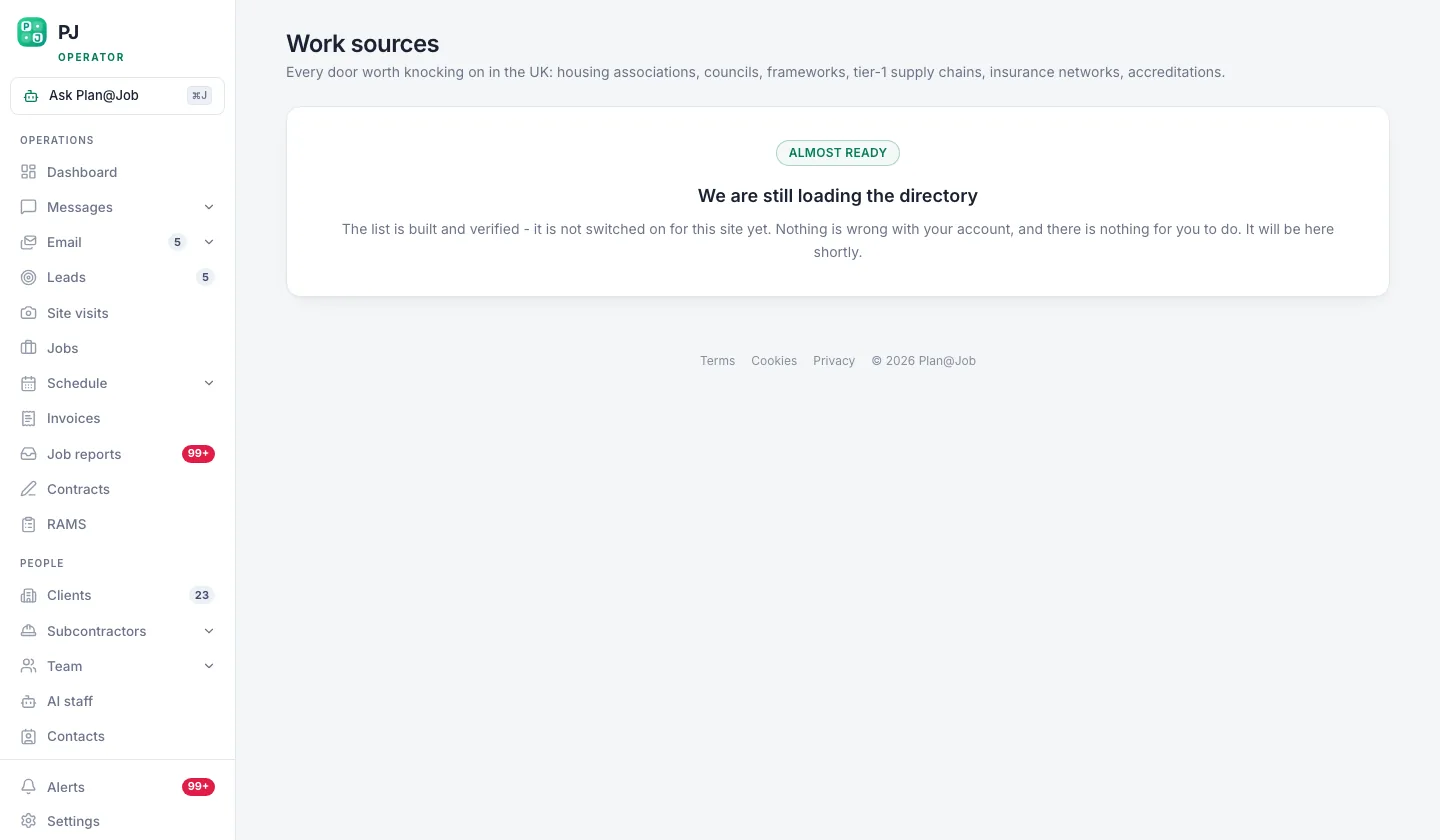 Work sources answers the question most contractors cannot: which channel actually pays.
Here's how I'd read it. Same day every month, with Invoices open next to it.
- Look at which channels brought jobs, not just leads.
- Check those jobs against Invoices. Which are paid, which are late.
- Next to each channel, write down what it cost you that month. Ad spend, listing fee, the hours spent answering it. That cost lives in your bank statement and your head, so you bring it.
- Make one decision. Cut a channel, put more into one, or leave everything another month.
One decision a month. Not five. Change everything at once and you'll never know what worked.
And don't read too much into one month on a small business. A couple of big jobs from one referral can make a channel look like gold. Give it three months before you cut something you've been paying for a while.
What Plan@Job does and what you decide
The platform holds the record: the lead, the job it became, the invoice, whether it's paid, and the Work sources view showing where each job came from. That's the boring admin done for you.
You decide what counts as a source. You make sure it gets recorded. You bring the cost of each channel and you make the call. No software should decide where your marketing money goes. That's your margin.
What usually goes wrong
I've seen the same mistakes over and over.
- Nobody records the source. The office is busy, the phone rings, the lead goes in blank. Make 'where did you find us' a question on every call and check Leads for blanks every Friday.
- Too many sources. Twenty-five channels with one job each tells you nothing. Merge them until the list fits on a sticky note.
- Jobs created from scratch. The lead history is lost. Work from the lead, don't retype it.
- Judging on enquiries. Count paid work. Nothing else.
- Cutting a channel after one bad month. Give it a quarter, unless it's costing you serious money with nothing back.
- Ignoring repeat work and referrals. They cost you little or nothing in ad spend. When you see them on the report, it changes how you treat the clients you already have.
That last one is the part people hate hearing. The best marketing channel most contractors have is the client they already did a good job for. It's not the ad. It's the service.
The next move
If your leads, jobs and invoices aren't in one place, fix that first. You can't track lead source as a contractor when the enquiry sits in WhatsApp, the job is in a notebook and the invoice is in another app.
Plan@Job keeps Leads, Jobs, Invoices and Work sources in one system, built for UK operators running their own clients, subbies and operatives. See how it works for contractors, or set up your contractor account and start recording sources on the next enquiry that comes in.
Then write your source list today. Ten minutes. It costs nothing and nobody else can do it for you. If you want to compare notes with other people building contracting businesses, that's what Contractor Club is for.
Published 12 October 2026.
FAQ
How do I track lead source as a contractor if most work comes by phone?
Ask every caller how they found you and record it on the lead in Leads before you forget. It's a habit, not a software problem. If someone else answers your phone, give them your source list so they pick from it instead of writing whatever comes to mind.
Should repeat clients count as a marketing channel?
Yes. Give them their own line. They're often your cheapest work to win, and seeing them in Work sources reminds you where the money really comes from. Keep them separate from referrals so you can see both.
How long before I can trust the numbers?
Give it three months with every lead recorded before you cut anything you've been paying for. On a small business, one big job can throw a single month. After a quarter you'll have enough to make a proper call.